
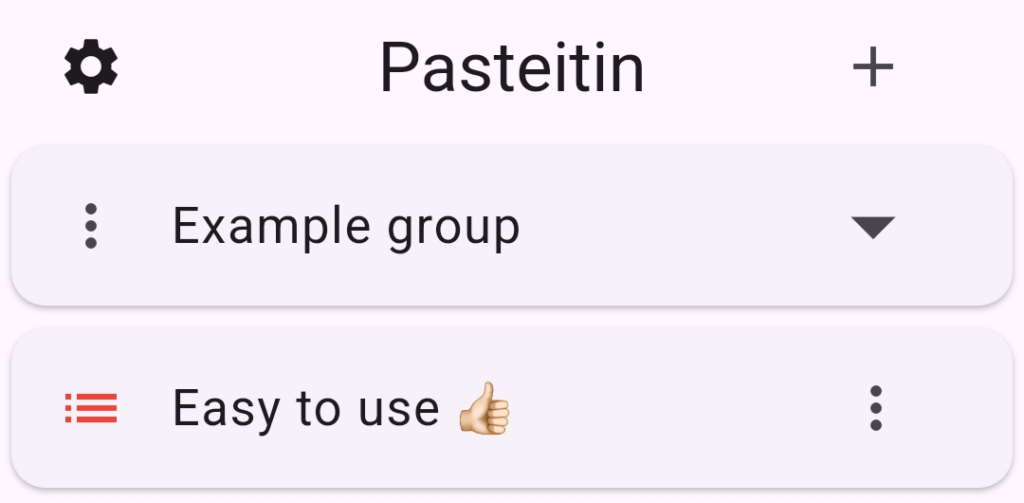
 If you are interested in beta testing Pasteitin for Android, please use the wavget.com contact form to request to become a beta tester. All that is required is an email address and an interest in providing feedback.
Once you are a beta tester, scan the QR code to download Pasteitin for Android directly to your phone or download it from here. You can read the PDF help file here.

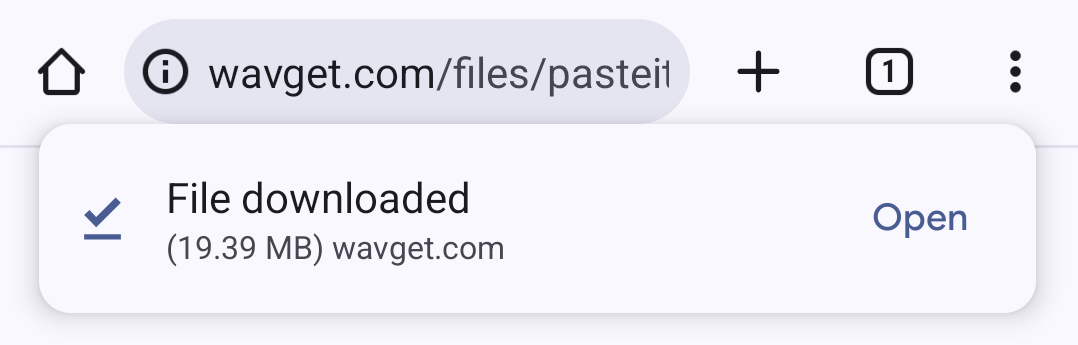
After the file has finished downloading, tap open.
The actual file size will change as the beta version changes.
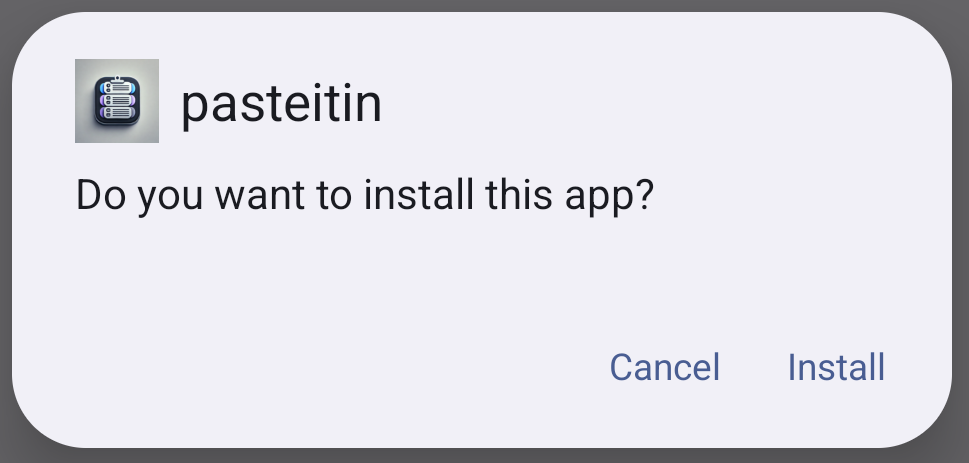
When asked if you want to install this app, tap Install.
Since this app was not downloaded from the Play Store, you may see a warning about installing an app from an unknown source. You may also see a message about scanning the app. Allow the scanning and continue installation.
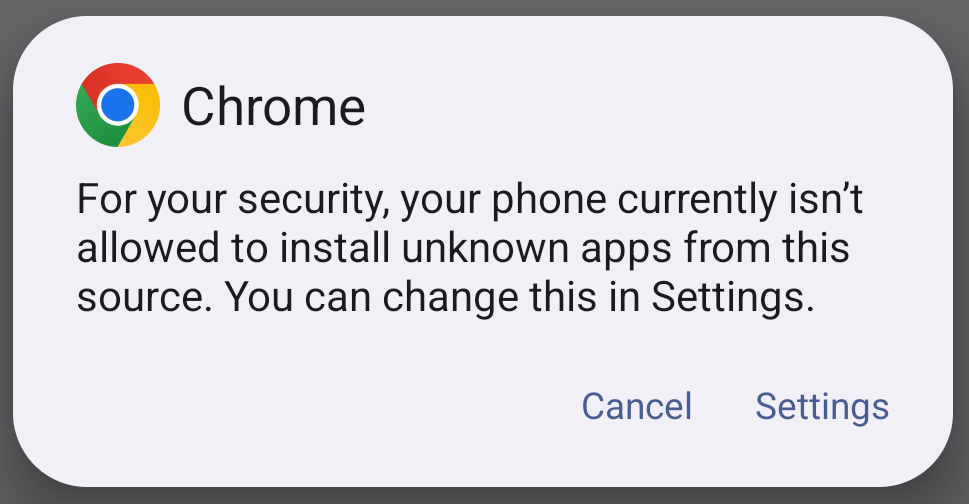
Tap Settings to allow the app to be installed.
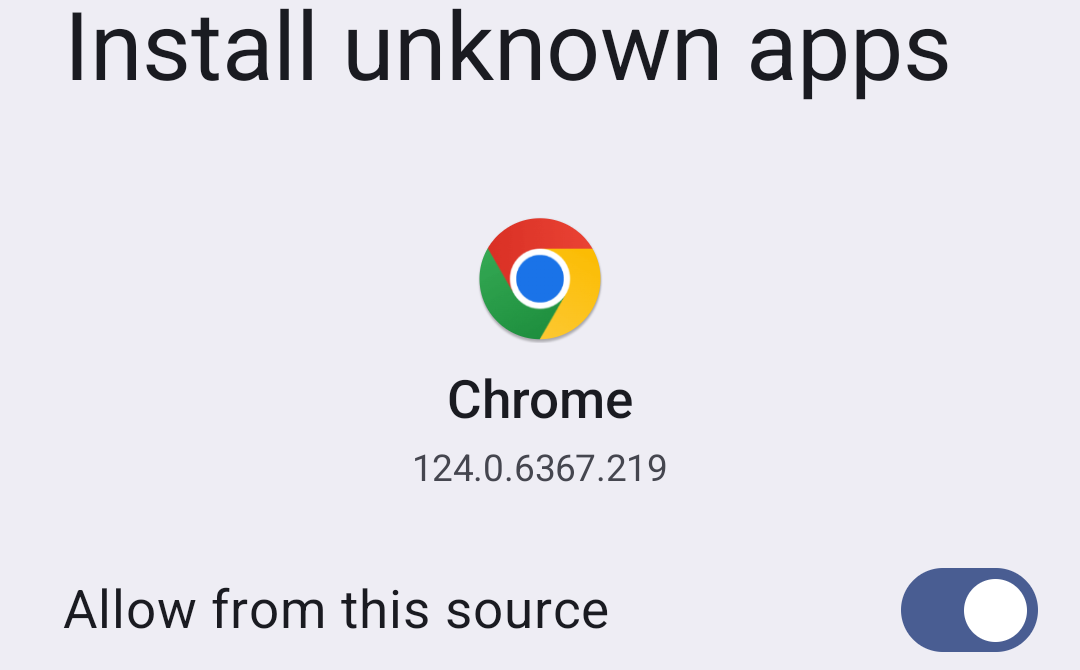
Turn on the slider switch to allow the app to be installed.
After the app has been installed, tap open.
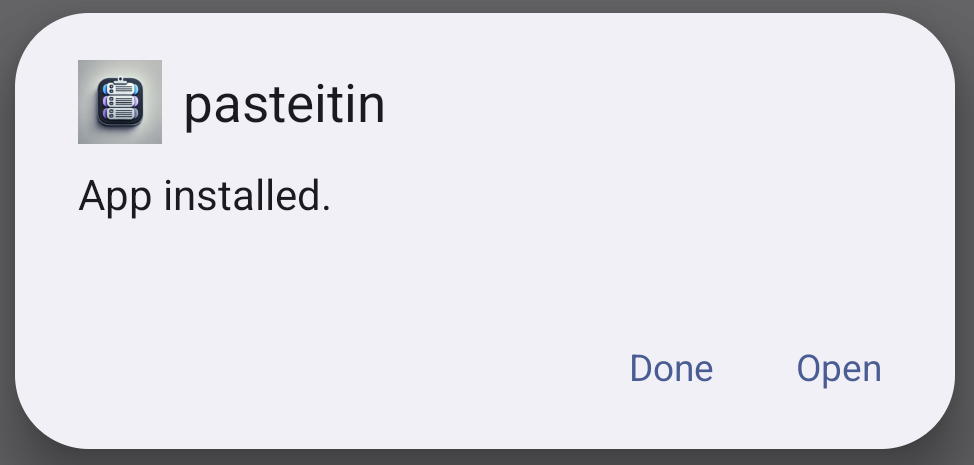
When Pasteitin starts, enter the email address you used to become a beta tester.

Enter the email address and tap the Next button.

Wait to receive a 6-digit activation code via email and enter it here. Then tap Next.
You will see a short description on how to use Pasteitin. Click Next to go to the main screen.
If you experience any issues during installation, please take a screenshot if possible and email support@wavget.com with a detailed description of the issue you encountered.