What is new in Typeitin macOS Version Pioneer 0.4.2? Download
- Fixed issue with backspace in edit window causing crash.
- Fixed issue with downloading new version in Settings.
What is new in Typeitin macOS Version Pioneer 0.4.1?
- Fixed issue with Color editor window not on top of full screen applications.
- Fixed issue with main window menus active while Color editor was open.
- Fixed issue with New and Rename group dialog default value not always visible.
- Fixed issue with text shortcuts enabled when Edit window was open.
- Create new button – Dismiss Edit window – New button is now deleted.
- Paste text into Edit window now replaces new line and tab characters with {Enter} and {Tab}.
- Added switch to group function like {Group Example} to switch to the Example group.
What is new in Typeitin macOS Version Pioneer 0.4.0?
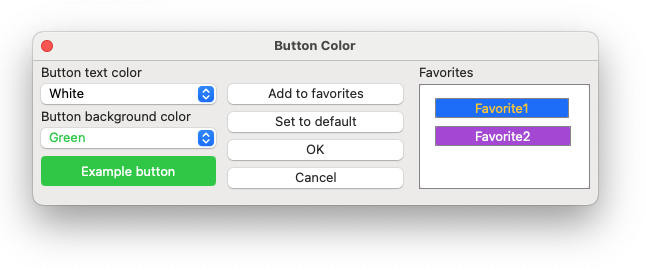
- Added Color editor to select button background and text colors. You can define favorite color combinations that show up directly in the Button color menu.

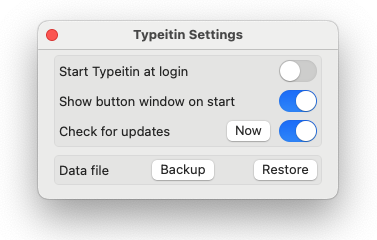
- Added manual and automatic check for new versions in Settings. Please allow Alert notifications for Typeitin to receive notifications. Click the Now button to manually check for a new version.

- Added variable and input dialog support. You can copy the content of a variable to and from the clipboard, set a variable to a specific value, or show an input dialog to manually specify the value. You can type the content of a variable or use it in the Website or other Open functions.
 Overview:
 Overview: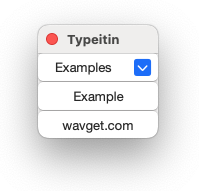
You can view the PDF help file here.
Typeitin for macOS can import data files from Typeitin for Windows.
You can download Typeitin for macOS from here.
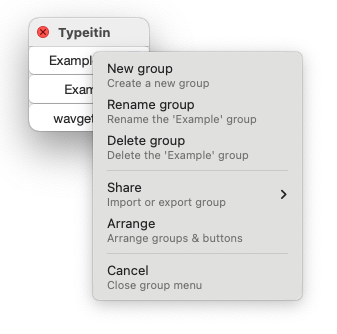
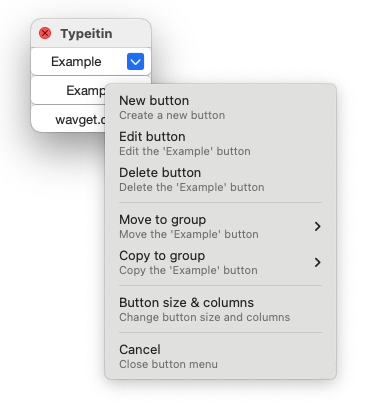
The mouse right click (or control-left click) is used to quickly provide access to most functionality.
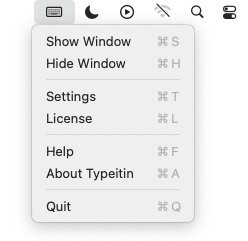
You can access other functions through the menu bar icon.
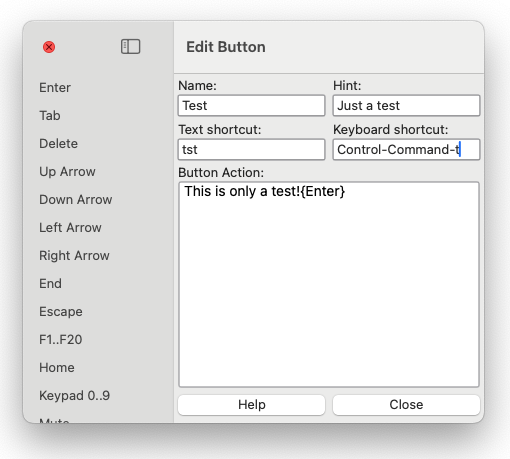
The edit button window allows you to define each button’s action.
You can arrange buttons in different groups,
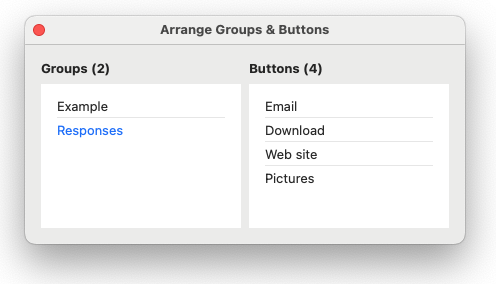
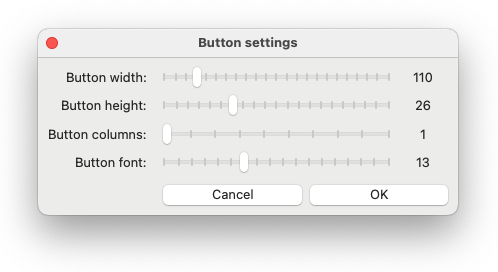
and adjust the size and font of the buttons. You can also create multiple columns of buttons in a group.
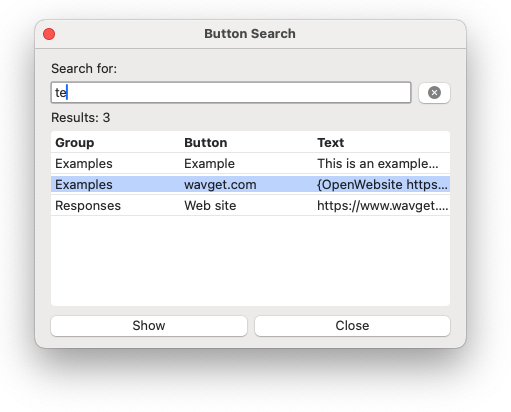
You can also search for a button.